
How to choose a writing or computer desk: sizes and 4 models
From a compact laptop corner to a workspace for two monitors, find out which dimensions, construction details and features matter when choosing a desk.
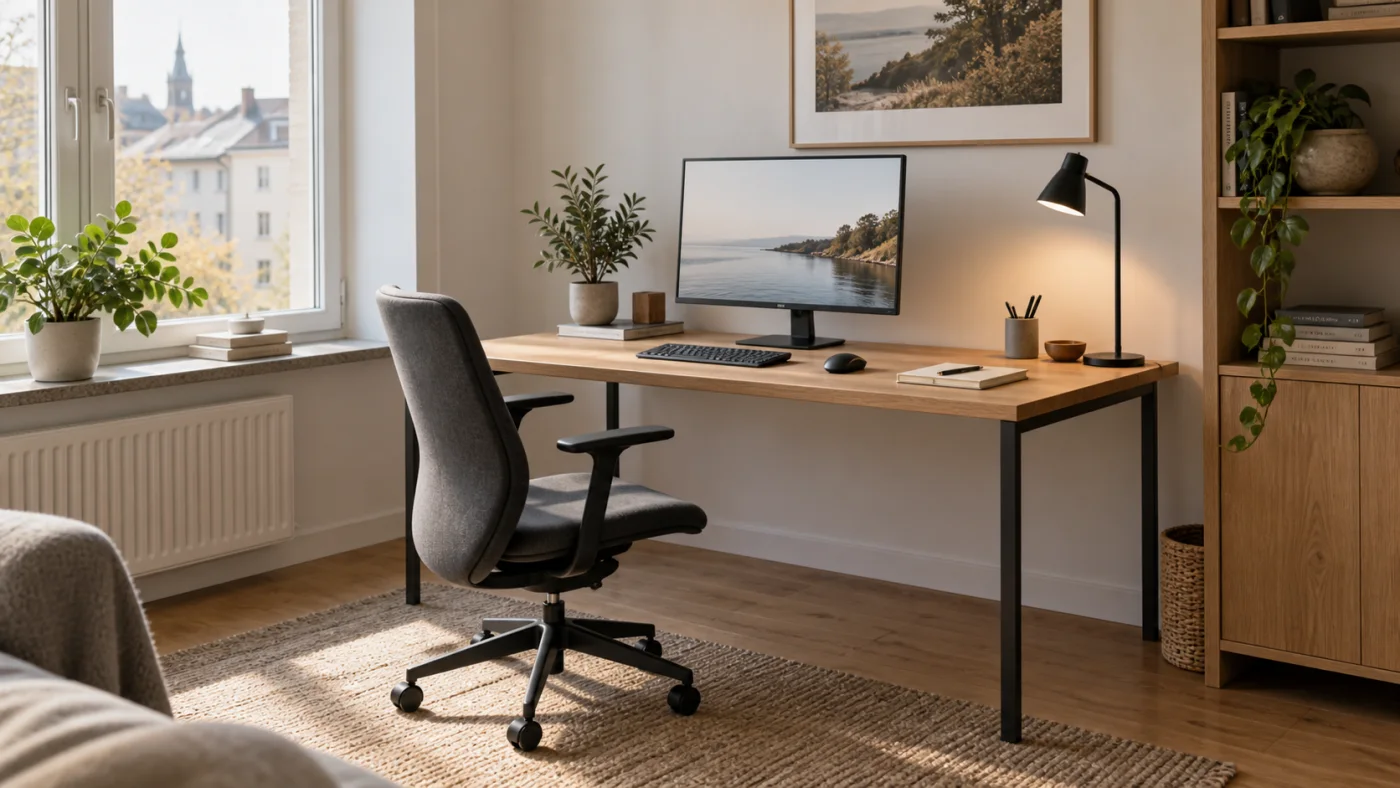
A writing or computer desk needs to fit your equipment and leave you room to move. A laptop, two monitors and paperwork call for different layouts. When comparing writing and computer desks, start with desktop width, depth, height and clear legroom.
Where should you start? For a laptop and short tasks, begin by comparing desktops around 100 × 50–60 cm. For a separate monitor, consider 120 × 60–80 cm; for two screens, look at 140–160 × 70–80 cm. These are planning suggestions, so check them against your actual equipment and room.
What size desk do you need?
Measure more than the wall where the desk will stand. Check the available depth, distance to other furniture, door openings and room to pull your chair back. Mark the desk footprint on the floor with removable tape, put your chair in place and try sitting down, standing up and walking past it.
| How you work | Sizes to start comparing |
|---|---|
| Laptop, email and a few notes | Around 100 × 50–60 cm |
| Separate monitor, keyboard, mouse and notebook | Around 120 × 60–80 cm |
| Two monitors or a computer with more paperwork | Around 140–160 × 70–80 cm |
These are suggestions, not mandatory standards or the dimensions of the models below. A large monitor stand, printer or drawing tablet can change what you need. For two screens, measure their combined width and the depth of their stands before allowing additional space for the keyboard, mouse and your hands.
Choosing a computer desk for one or two monitors
Choose a computer desk around the complete setup, rather than screen diagonal alone. For example, two screens that are each 61 cm wide occupy 122 cm before leaving a gap between them. They will overhang a 120 cm desktop when aligned side by side in a straight row. Check stand depth, mouse space and where the computer tower will sit. A monitor arm can free up desktop space, but does not reduce the width of the screens themselves.
Desktop size and legroom are different measurements
A wide desk can still feel cramped if shelves or a drawer unit occupy much of it. Depth determines how much room remains between the keyboard and monitor. The opening underneath tells you whether your knees and chair arms will fit. Check all three, especially when choosing a desk with drawers.
Look for assembled furniture dimensions and check their order. Width × height × depth is different from width × depth × height. If a listing only provides package measurements or an unclear set of numbers, ask for clarification before ordering.
Choosing a small desk for a small room
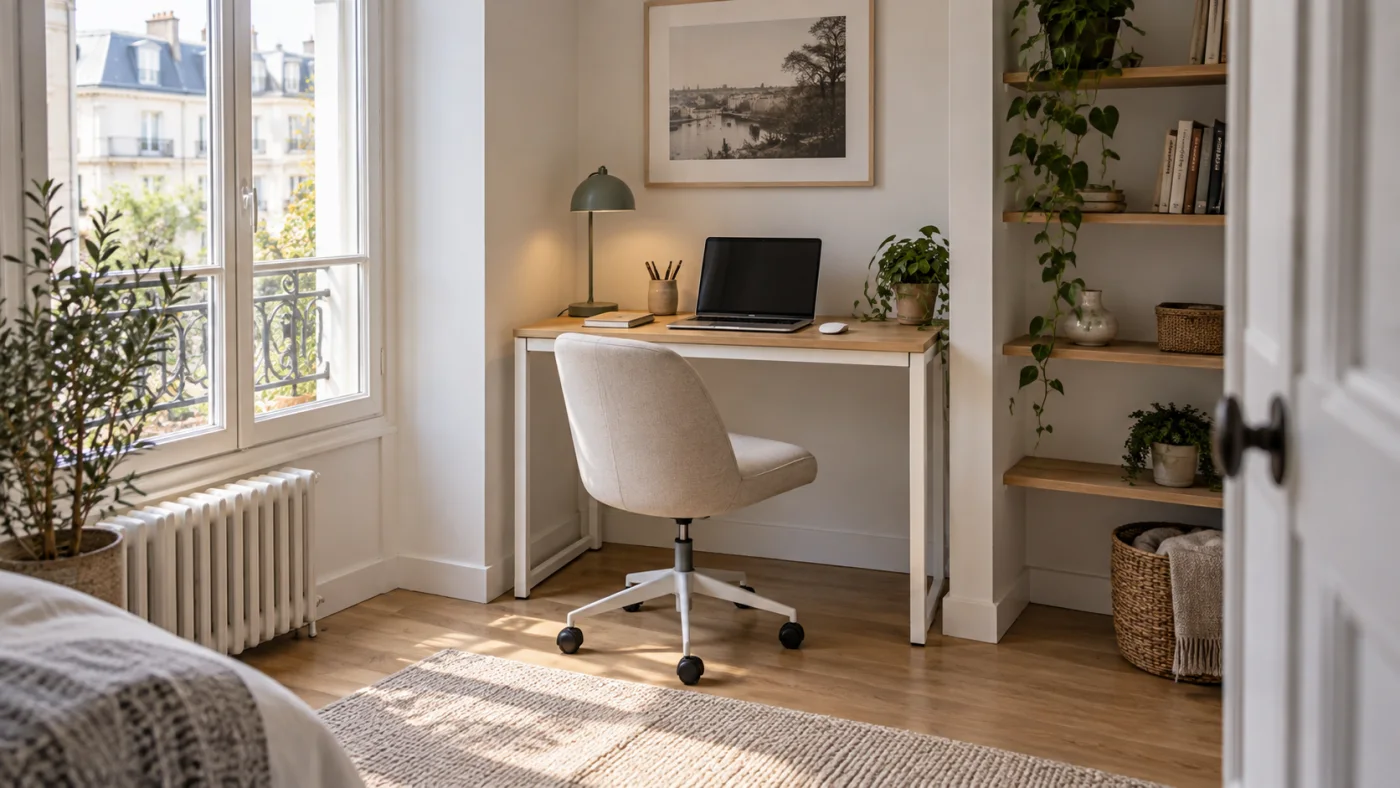
Start with a simple straight desk and the things you actually use. Open legroom makes it easier to tuck the chair underneath. A wall shelf can hold less frequently used items, provided it leaves space for the monitor and is fitted according to its manufacturer's instructions.
A very shallow desk may work for brief laptop tasks, but a full working day with a screen, separate keyboard and paperwork needs a different arrangement. When floor space is limited, reduce the items stored on the desk before reducing your essential working area.
Straight, corner or height-adjustable desk?
Straight desks and desks with drawers
A straight desk is easy to position against a wall and move later. A desk with drawers is useful for putting away stationery, cables and notes after work. List what you want to store first: A4 documents need suitable internal drawer dimensions, not just a large-looking drawer front. Check how much the drawer unit reduces the available legroom.
Corner desks
A corner desk can separate computer work from writing or keep reference materials to one side. An L shape does not automatically save space, though. Measure both sides, check whether the model is left- or right-handed, and allow for chair movement in the inner corner. Plan the main screen in front of your sitting position so you do not have to keep turning sideways.
Height-adjustable desks
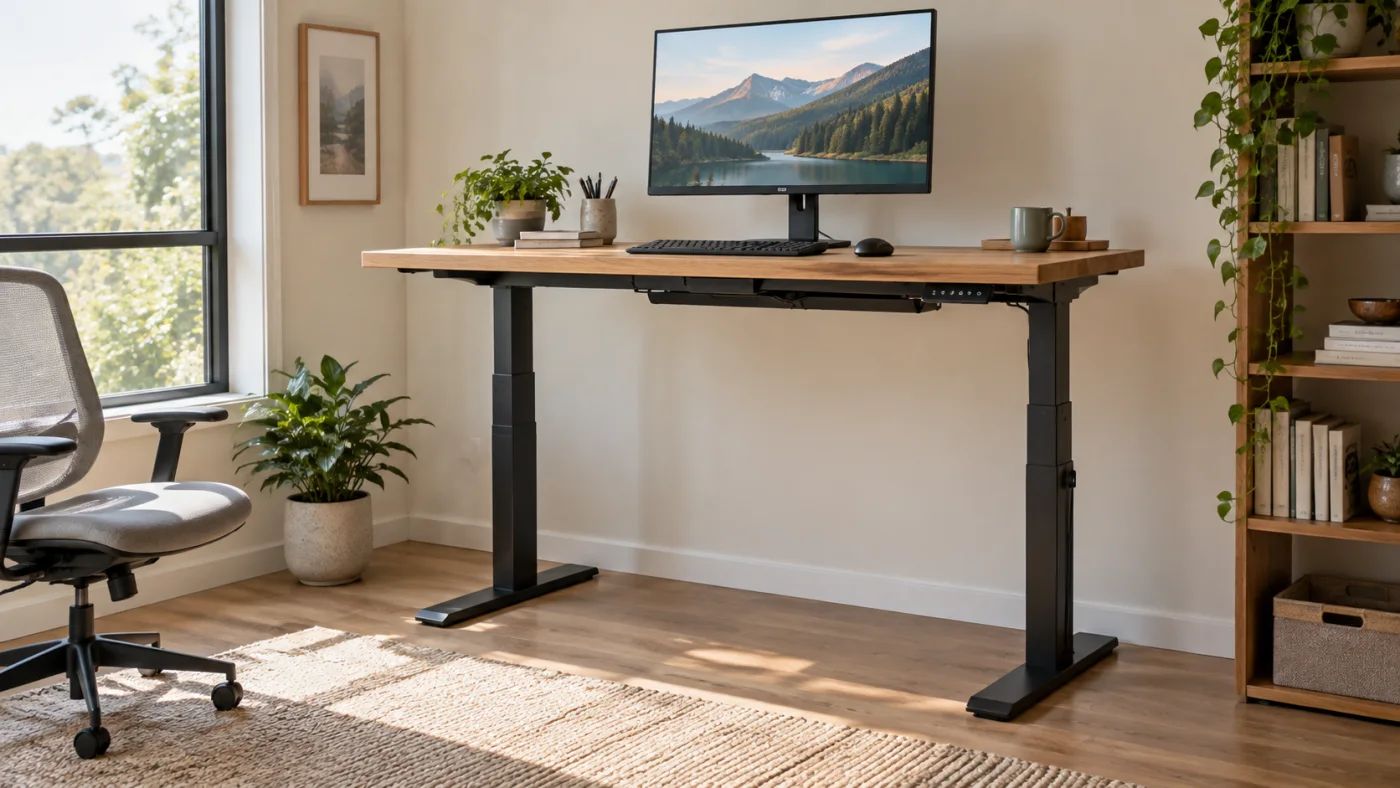
Consider a height-adjustable desk if you want to change working position or share the desk with someone of a different height. Check its lowest and highest settings, lifting capacity and desktop size, and whether the listing includes the desktop or only the frame. The word “adjustable” alone does not establish that it reaches standing height.
An electric mechanism makes adjustments easier. Memory settings can be useful, but only assume they are included when the particular model's description confirms them. Leave enough cable slack throughout the desk's travel and check that the raised top clears windowsills, shelves and other furniture. Changing desk height does not replace movement breaks.
Folding desks and laptop tables
For an occasional workspace, a folding desk or laptop table may be suitable. Check the locking mechanism, load limit and folded storage dimensions. A small mobile table can suit a short task, but may not have enough surface area for a permanent setup with a separate keyboard and mouse.
Desk height: how to match your desk, chair and screen
There is no single desk height that suits everyone. First sit in your adjusted chair, relax your shoulders and measure from the floor to your elbows. Use this as a reference when assessing keyboard working height. For an adjustable desk, check both ends of the range: the lowest setting matters when sitting and the highest when standing. Even an adjustable desk may not go low enough for a teenager or a shorter adult.
Assess desk height together with your office chair. The whole setup matters: a desk may fit the room yet be awkward because its crossbar, monitor shelf or clearance conflicts with your chair.
Adjust your chair and work surface so your shoulders stay relaxed and the keyboard sits just below elbow height. Place the monitor directly in front of you, with its top edge at or slightly below eye level. Position the screen at a right angle to the window to reduce glare. For longer sessions on a laptop, use a separate keyboard and mouse and raise the screen on a stable stand.
Materials and construction: what to check
An oak colour or wood-grain finish does not mean solid wood. Look for a precise material description, such as laminated board, MDF, veneer or solid wood. Check the edge finish, care instructions and load limit. Metal legs alone do not establish the stability of the whole desk: joints and supports matter too.
A clamp-mounted monitor arm needs a suitable desktop edge and thickness. Check for drawers, rear panels or crossbars at the mounting point. Both the desk and the arm must support your equipment; you cannot establish their load ratings from a photograph.
Compare 4 Bonideco desks: dimensions and intended use
Dimensions were checked against the Bonideco catalogue and Mark Adler manufacturer information. This table compares assembled furniture, not packaging. The product cards below show current prices and availability. This is a comparison of listed features; we have not carried out hands-on testing.
| Model | Dimensions | Worth comparing for |
|---|---|---|
| AKORD A-6 CLP | 90 × 50 cm; height 77 cm | Compact drawer storage. Leg opening: 53 cm wide, 64 cm high. |
| Mark Adler Leader 5.1 Oak | 115 × 60 cm | A computer setup with a separate monitor shelf. |
| Mark Adler Leader 5.9 White | 145 × 145 cm; L-shaped | Separate areas for a computer and paperwork; needs a clear room corner. |
| Mark Adler Leader 7.3 White | 140 × 70 cm; height 72–118 cm | Seated and standing work; check that the height range fits you. |
Desk with drawers: AKORD A-6 CLP
Consider the AKORD A-6 CLP if you have a 90 cm-wide space and want three drawers on the right. It uses 16 mm laminated board and includes a pull-out keyboard tray. The main trade-off is enclosed storage versus narrower legroom. Compare the 53 cm opening with your chair width, and the 50 cm desktop depth with your monitor stand.
Computer desk with a shelf: Mark Adler Leader 5.1 Oak
The Leader 5.1 Oak has a 115 × 60 cm desktop and a separate monitor shelf. The manufacturer specifies load limits of 60 kg for the desktop and 15 kg for the shelf. Compare these with the weight of your equipment. A shelf does not replace an adjustable monitor arm: check the resulting screen height and the dimensions of its stand.
Corner desk: Mark Adler Leader 5.9 White
The Leader 5.9 White occupies a 145 × 145 cm corner footprint. Its top is L-shaped, not a solid square. The shelves can be installed on the left or right. Consider it for keeping computer work separate from paperwork or other equipment. Mark both sides out in the room and test chair movement; it is not simply a substitute for a narrow straight desk.
Electric standing desk: Mark Adler Leader 7.3 White
The Leader 7.3 White has a 140 × 70 cm desktop, electric height adjustment from 72 to 118 cm and memory for three settings. The manufacturer specifies a 50 kg lifting capacity. These features matter if you will adjust the desk daily. Measure your seated and standing working heights first: a 72 cm minimum may be too high, or a 118 cm maximum too low, for an individual user.
Your checklist before buying a desk online
- Mark out the room. Check doors, drawers and chair movement.
- Arrange your equipment. Mark the proposed desktop size on an existing surface and place your everyday items inside it.
- Compare assembled dimensions. Check the desktop, leg opening and overall footprint separately.
- Check the exact version. Confirm the colour, drawer position, included components and optional extras.
- Plan cables and assembly. Check the socket location, package dimensions, access route and assembly instructions.
- Compare the total cost. Include the desk, necessary accessories and delivery; check delivery estimates and terms before ordering.
How should you compare desk prices?
Compare equivalent packages: a complete desk with its top and an electric frame sold without one are different purchases. Include delivery and only the accessories your setup needs. A cheaper desk may require separate storage, while a model with more functions is not necessarily better value if you will not use them.
With these points settled, your shortlist becomes easier to manage. Explore Bonideco's writing and computer desks, filter for suitable dimensions, then compare design and additional features.
Frequently asked questions
Is a 120 cm desk wide enough for two monitors?
Sometimes, but width alone cannot answer that. Measure both screens and their stands, leaving space for your mouse. If you also need a laptop or paperwork, compare 140–160 cm desktops too.
Is a 50 cm deep desk suitable for computer work?
It can work for a compact setup, but a separate monitor with a large stand will occupy a substantial part of the surface. Try arranging your own equipment within that depth before buying.
Is a corner desk better for a small room?
Only when its shape suits the layout. An L-shaped top can obstruct a walkway or restrict chair movement. Compare both sides with the alternative of a straight desk and separate shelving.
Is a height-adjustable desk worth choosing?
Yes, if you will use the adjustment and its range meets your needs. If compact dimensions or drawer space matter more, assess those features first.
What is the difference between a writing desk and a computer desk?
The names often overlap. A computer desk may have a monitor shelf or keyboard tray, but neither is guaranteed. Choose according to the actual features and usable surface area.